home courses course
Best for Beginners
4.5(210 reviews)
Basic Computer Course – MS Office
Essential Computer Skills & Microsoft Office Suite
A beginner-friendly course that covers computer fundamentals and the complete Microsoft Office suite including Word, Excel, PowerPoint, and the Internet. Ideal for students, housewives, job seekers, and working professionals who want to improve their computer skills.
Hindi & EnglishOfflineBeginner
Duration3 Months3 Months week
Batch size20 StudentsMonday to Saturday
InstructorMr./Ms. [Instructor Name]3+ Years in Computer Training
CertificateIncluded
Career opportunities
Data Entry OperatorOffice AssistantReceptionistBack Office ExecutiveGovernment job readiness
Absolutely no prior computer knowledge needed · No age limit
Technologies and tools
Windows 10/11MS WordMS ExcelMS PowerPointGoogle ChromeGmail
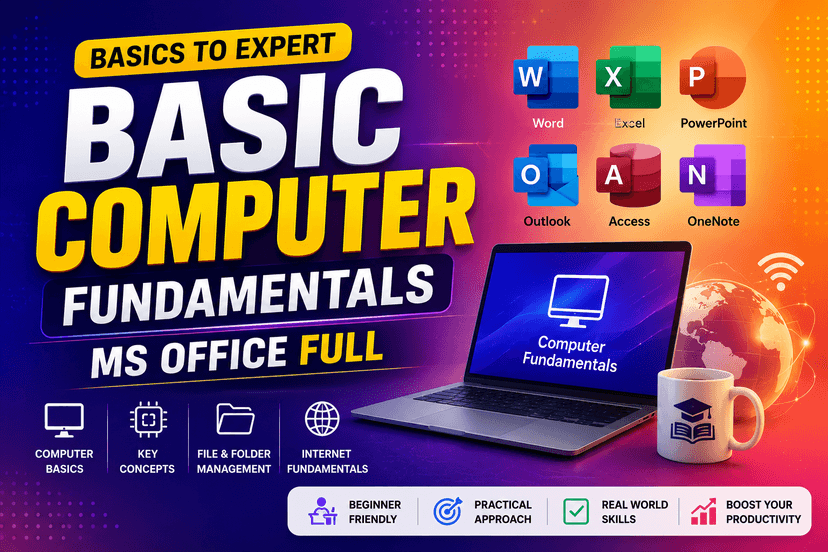
Basic Computer Course – MS Office
Best for BeginnersEnroll Now$4500
Morning: 8:00 AM – 9:00 AMMorning: 10:00 AM – 11:00 AMEvening: 5:00 PM – 6:00 PM
Weekly batches available
What you will get
Operate a computer confidentlyCreate professional documents in MS WordManage data and calculations in ExcelPrepare presentations in PowerPointUse email and the internet effectivelyCourse syllabus
5 modules · 45 topics · 11 weeks total
- 1What is a Computer? History and types
- 2Hardware – CPU, RAM, ROM, Motherboard, Input/Output devices
- 3Software – System software vs Application software
- 4Operating System – Windows 10/11 basics
- 5Desktop, Icons, Taskbar, Start Menu
- 6File and Folder management – Create, Cut, Copy, Paste, Delete, Rename
- 7Keyboard shortcuts
- 8Basic troubleshooting
Duration: 2 Weeks
- 1Introduction to MS Word interface
- 2Typing and text formatting – Font, Size, Bold, Italic, Underline, Color
- 3Paragraph alignment, Line spacing, Indentation
- 4Bullets and Numbering
- 5Page Setup – Margins, Orientation, Page Size
- 6Headers and Footers
- 7Page Numbers
- 8Tables – Create, format, merge cells
- 9Insert images, shapes, and SmartArt
- 10Spell check and Grammar check
- 11Printing documents
- 12Practical: CV/Resume creation, Letter drafting, Application writing
Duration: 3 Weeks
- 1Introduction to Excel – Rows, Columns, Cells
- 2Data entry and editing
- 3Basic formulas – SUM, AVERAGE, MAX, MIN, COUNT
- 4Cell references – Relative and Absolute
- 5Formatting – Number, Currency, Date formats
- 6Sorting and Filtering
- 7Charts – Bar, Pie, Line charts
- 8Conditional Formatting basics
- 9Practical: Mark sheet, Salary sheet, Budget tracker
Duration: 3 Weeks
- 1Introduction to PowerPoint
- 2Creating and saving a presentation
- 3Adding and formatting slides
- 4Themes and backgrounds
- 5Inserting text, images, tables, charts
- 6Slide transitions and animations
- 7Slide Show – Presenting mode
- 8Practical: Creating a project presentation
Duration: 2 Weeks
- 1What is the Internet?
- 2Web browsing – Chrome / Edge
- 3Search engines – Google tips
- 4Email – Creating and managing Gmail account
- 5Sending/receiving emails with attachments
- 6Google Drive basics
- 7Online forms and portals usage
- 8Internet safety and digital literacy
Duration: 1 Week
Courses related FAQ'S
Yes, all courses at Trendy are designed for beginners as well as students who want to improve their practical technology skills step by step.